InputZen is a Keyboard Company That Thinks You Need to Take More Shortcuts!
My name is Lewis, and I started this little keyboard company.
I've been a huge fan of mechanical keyboards since I purchased my first mechanical keyboard: the Pok3r. I loved that thing, it had Cherry MX Clear switches that I absolutely adored.
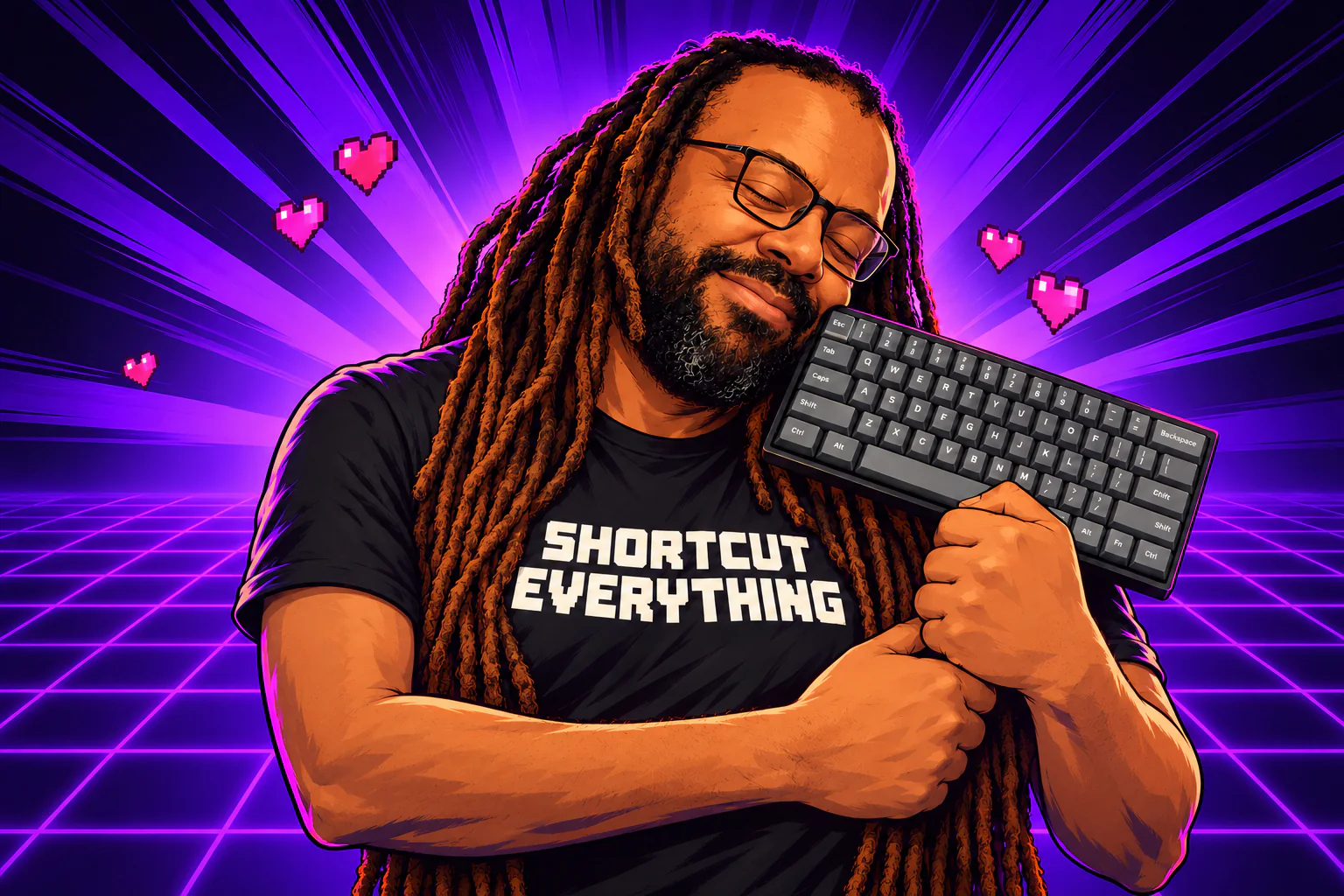
Since then I've used and played with an embarrassing number of keyboards. Mechanical, split, ergonomic focused, THOCK focused, columnar, ortholinear and many other keyboards in between.
I went deep into this keyboard game. I would always have these ideas for my dream keyboard popping into my head; the layout from this keyboard, combined with the feel and sound of another keyboard, with the looks of this other keyboard.
Initially I was just going to build my dream keyboards, and see if anyone else out there had similar niche tastes to mine, maybe enough that they'd find these dream keyboards perfect for their own use-cases, and decide to buy one from me.
But the deeper I got into keyboards, the more I started to notice what was missing, which got me thinking about what was actually possible.
A great example is when I found myself wanting a keyboard that was dedicated to activating keyboard shortcuts, as I was using so many that I couldn't quite remember them all, especially shortcuts that I wouldn't use except for every few weeks to do things like editing videos in software like DaVinci Resolve.
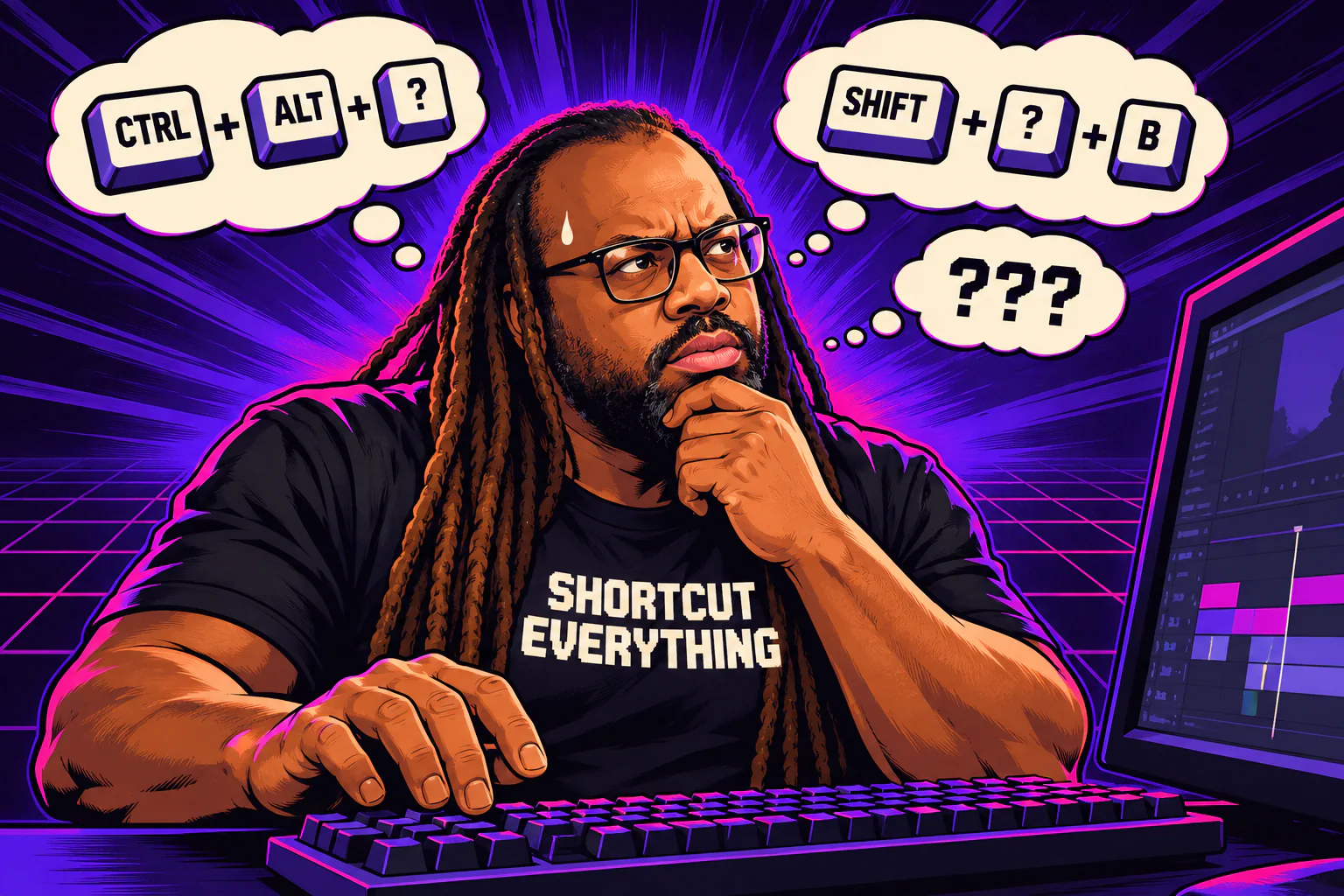
I would always need shortcuts the most when I didn't have the brain power in reserve to pull up the memory of what the key combo was, usually because I was a few hours deep into a creative work session already. So I would resort to going back to using my mouse and following my old, slow workflows.
My janky-but-effective solution to this problem was to buy a cheap number-pad like accountants use that had mechanical keys, swap the keys out for 'relegendable' keycaps and then print out little diagrams to show what each key did. Then I created a bunch of scripts on my computer that would activate the task I wanted each key to do, and use some software to make each of the keys fire off the associated script.
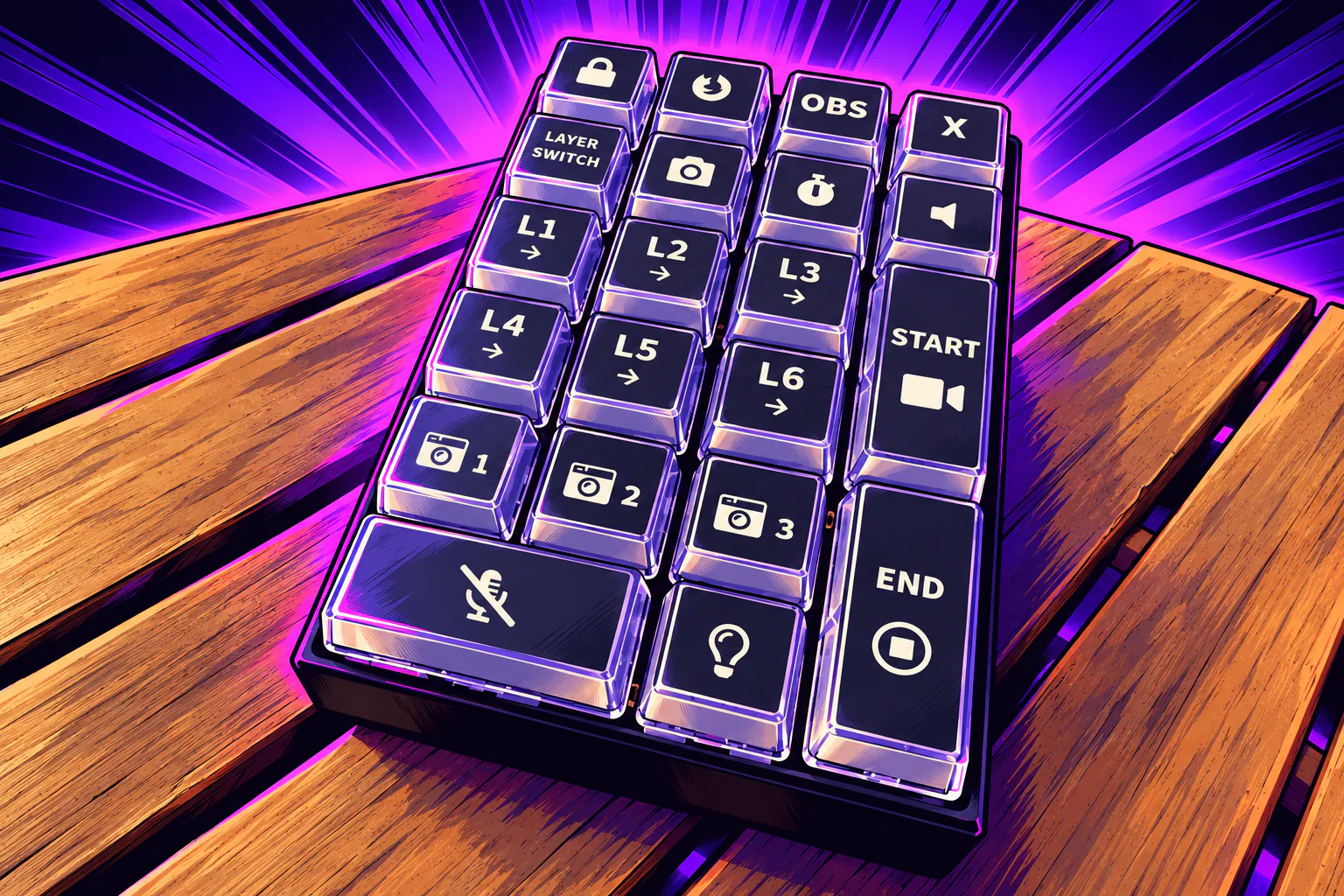
This was not an elegant solution, and I dreaded changing the function of any key so much that I basically stuck with my initial layout out of fear and laziness. But that didn't matter: I absolutely loved this little 'box of shortcuts', and I happily used and showed it off to everyone I knew like I had discovered some great productivity and shortcut secret!
I later found out that what I had built was called a macropad.
Streamers, gamers, designers, musicians, video editors and lots of creative types had been re-purposing different devices to do similar tasks for years! So while I may not be some super-original inventor of an entire new category, I did know that I was on to something with this macropad idea.
That experiment with the repurposed number-pad was the start of the journey to developing InputZen's first product: The BuildBox Macropad!
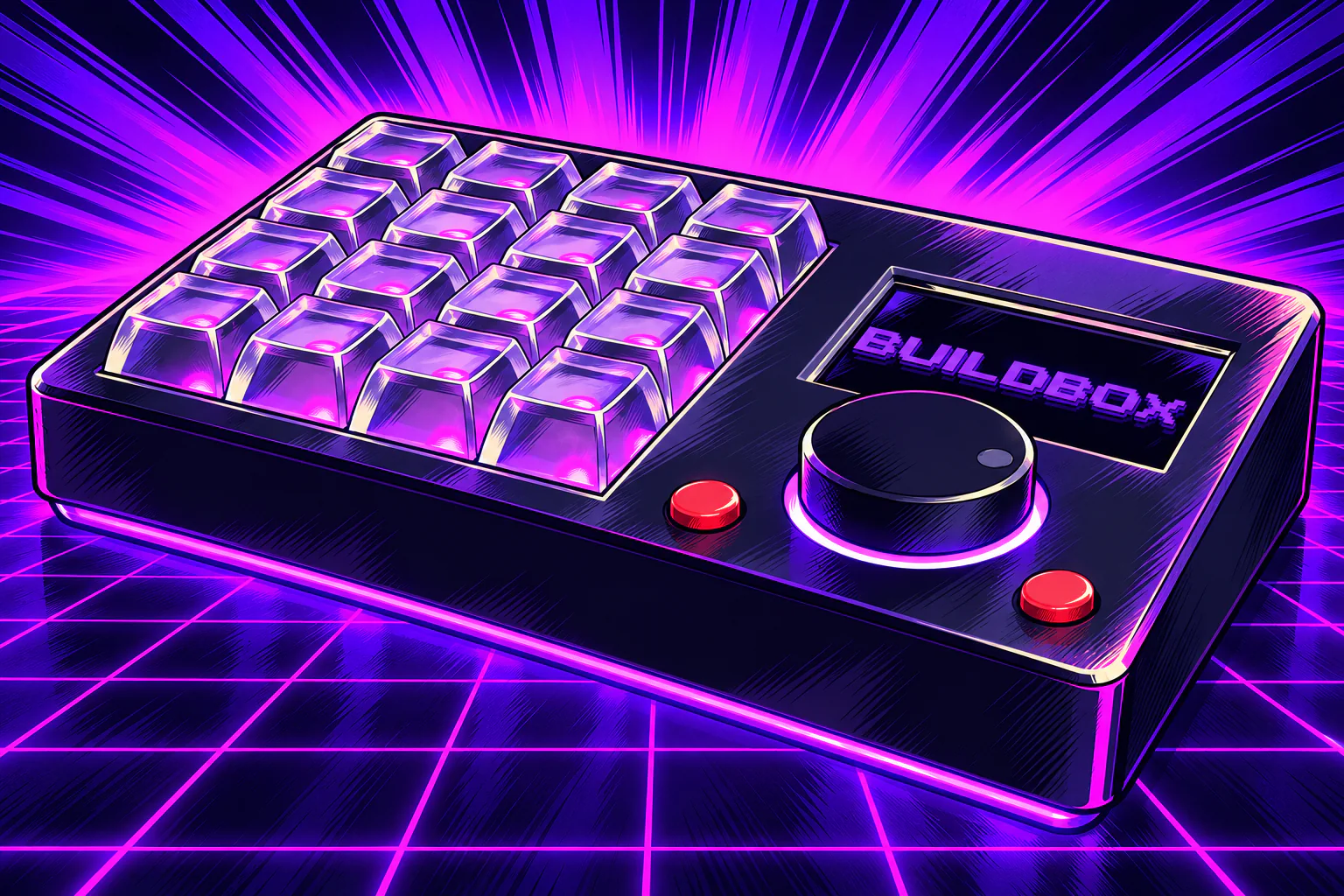
You can learn all about the BuildBox here, and you can follow along with our YouTube Videos and Updates as we launch the BuildBox and, in future, lots more innovative and exciting keyboard-based products (and maybe some non-keyboard related products too, we'll see).
The BuildBox Macropad Unlocks Thousands of Keyboard Shortcuts For Any App


That's why the BuildBox Macropad is the Ultimate Shortcut Machine. One device with infinite shortcuts available at your fingertips, plus a HUGE display showing what each key does, and a magnet-powered zero-friction scroll wheel that moves through documents, video, audio and graphic editing apps like butter!
Enter your Email to get your hands on a launch batch BuildBox (limited: 200 available):
You're on the list!
We'll be in touch when it's time. Keep building.